Policies
Configure data retention and other organization policies
The Policies page lets you configure organization-wide policies that govern how your data is handled.
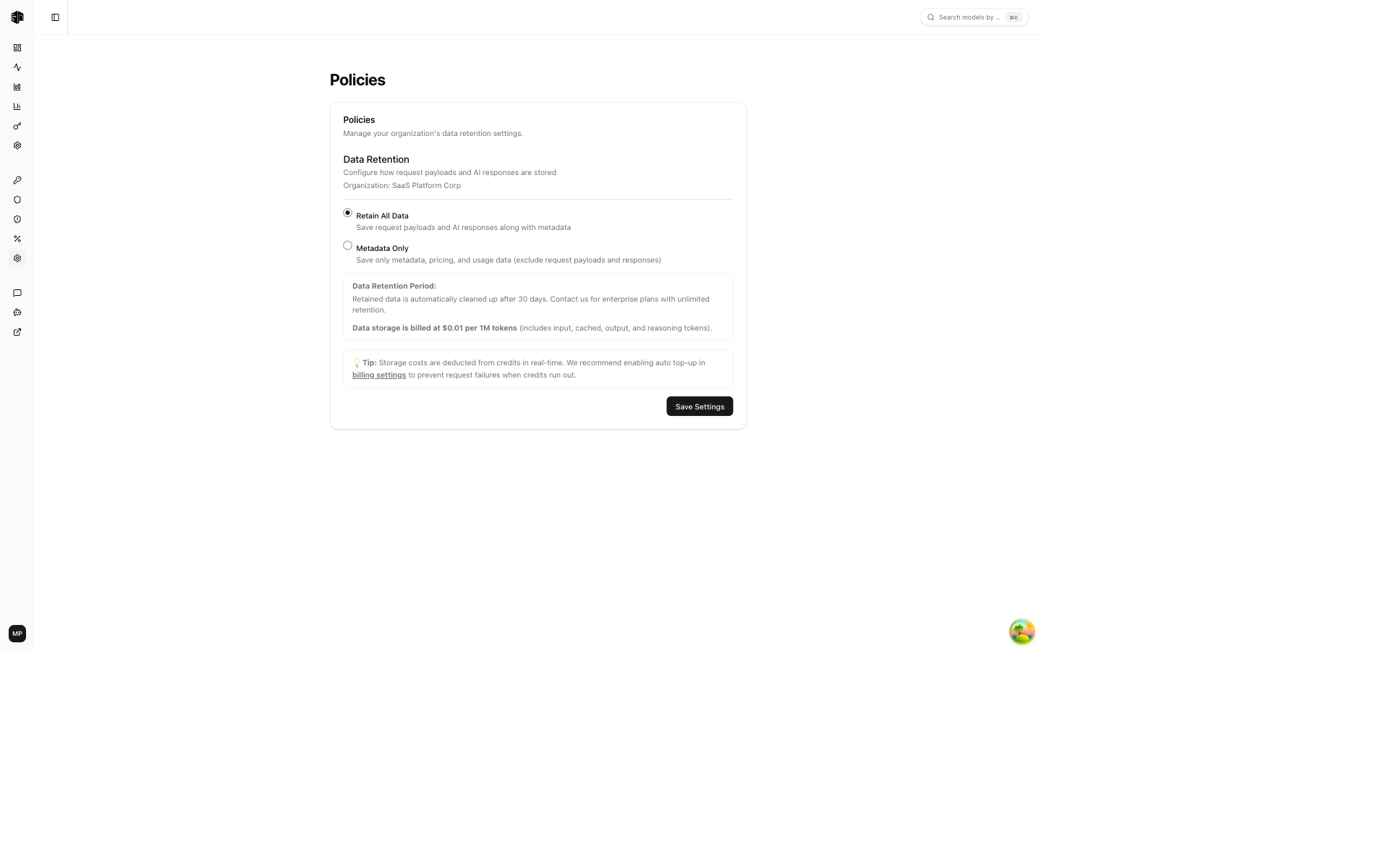
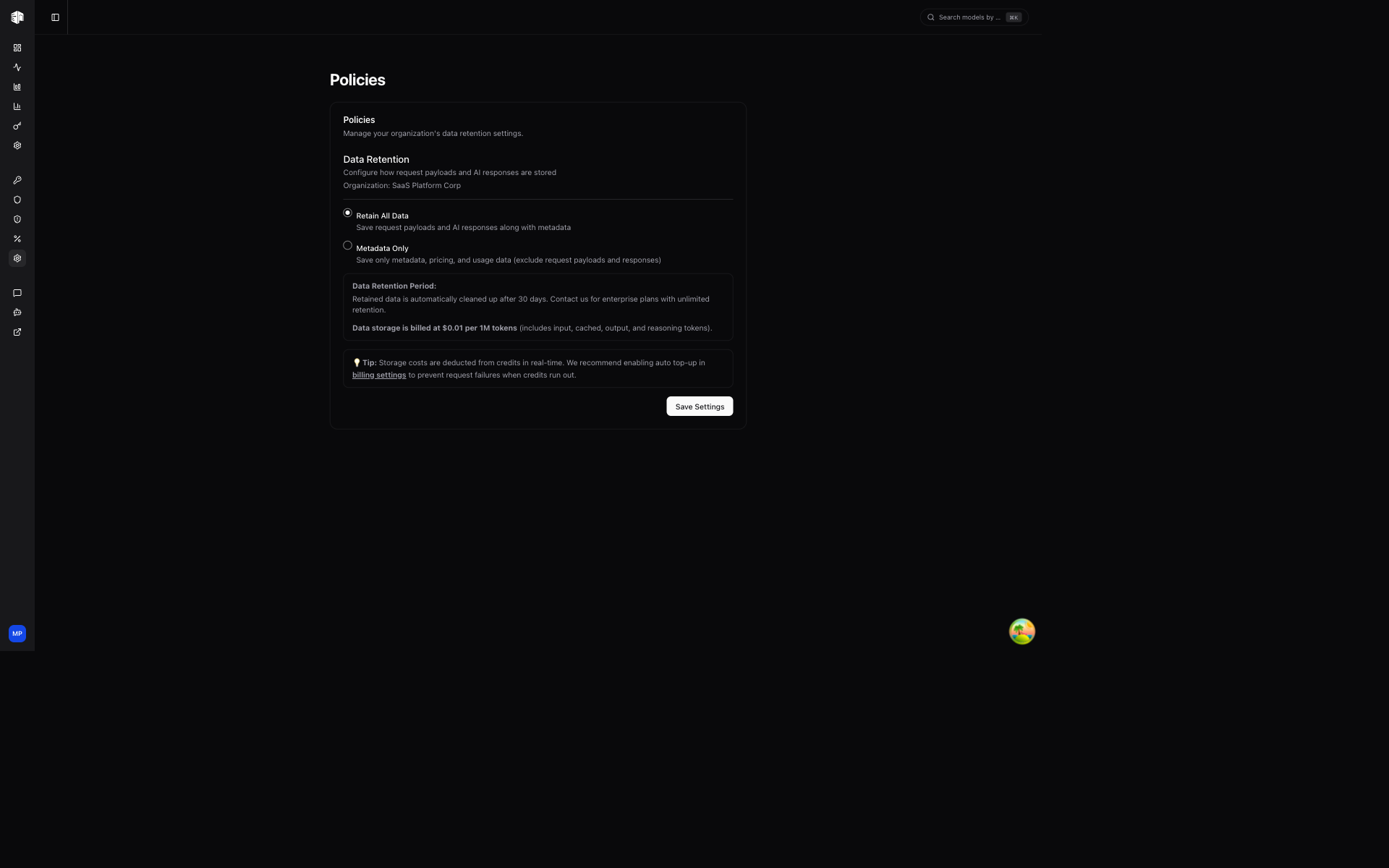
Data Retention
Control how long your request logs and activity data are stored. The retention period depends on your plan:
| Plan | Retention Period |
|---|---|
| Free | 30 days |
| Enterprise | Custom |
After the retention period expires, request logs and associated data are automatically deleted.
Storing full request and response payloads (Retain All Data) is an Enterprise feature. New organizations default to Metadata Only (timestamps, models, token counts, costs, latency) and cannot enable Retain All Data unless they are on Enterprise. Existing non-Enterprise organizations that currently have Retain All Data enabled keep it until November 8, 2026, when the hosted platform (llmgateway.io) switches them to Metadata Only automatically (self-hosted deployments are not switched); they can switch earlier themselves, and once off, Retain All Data cannot be re-enabled without Enterprise. The retention level itself is configurable on standard pay-as-you-go organizations only. DevPass and chat subscriptions are always metadata only — their request and response payloads are not retained, aside from Responses API stored responses, which are kept for 30 days independently of the retention level (send store: false to opt out).
Learn more about data retention in the Data Retention feature docs.
How is this guide?