Coding Agents
See which coding tools your DevPass key is being used with
The Coding Agents section of the DevPass dashboard breaks your DevPass usage down by the tool that produced it, so you can tell at a glance whether your allowance is going to Claude Code, Cursor, OpenCode, or something else.
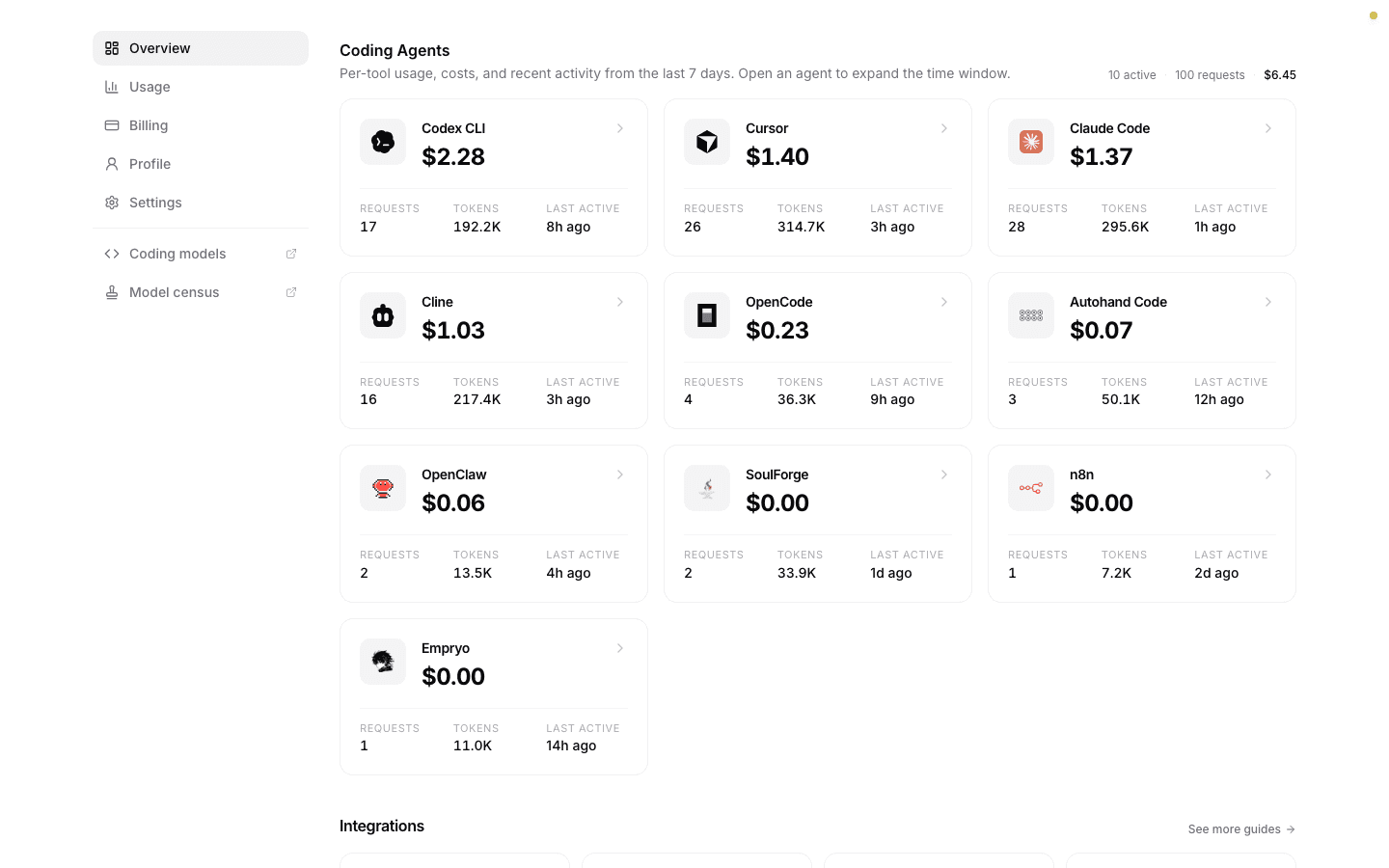
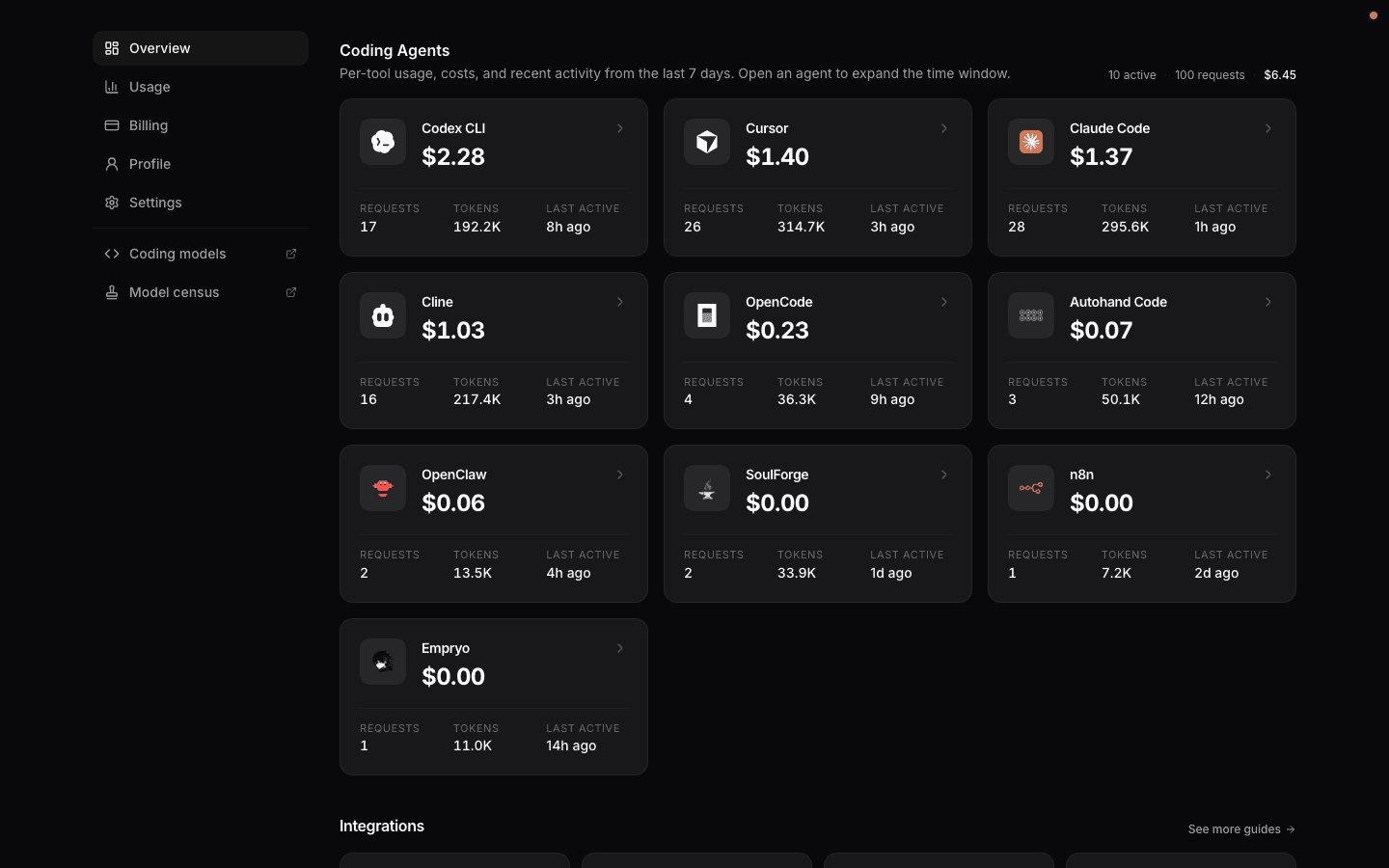
Agents are recognised from the x-source header their requests send. See
Guides for supported tools and setup instructions. Some recognised
agents, such as SoulForge, do not have a setup guide yet.
The overview lists the last 7 days. Open an agent to pick a wider window. If nothing shows up yet, point your tool at DevPass with the two environment variables from the dashboard's Quick start card and run it once.
Agent Cards
| Field | Description |
|---|---|
| Name | The coding tool, matched from its request source |
| Total cost | Spend attributed to this agent |
| Requests | Number of API requests |
| Tokens | Prompt and completion tokens combined |
| Last active | When the agent last sent a request |
Cards use hourly aggregates for the entire window, regardless of how many individual requests are loaded. A request that falls back counts once; billed costs and tokens include every attempt. Last active identifies the latest hourly bucket containing usage.
Click a card to open the agent's detail page.
Agent Detail
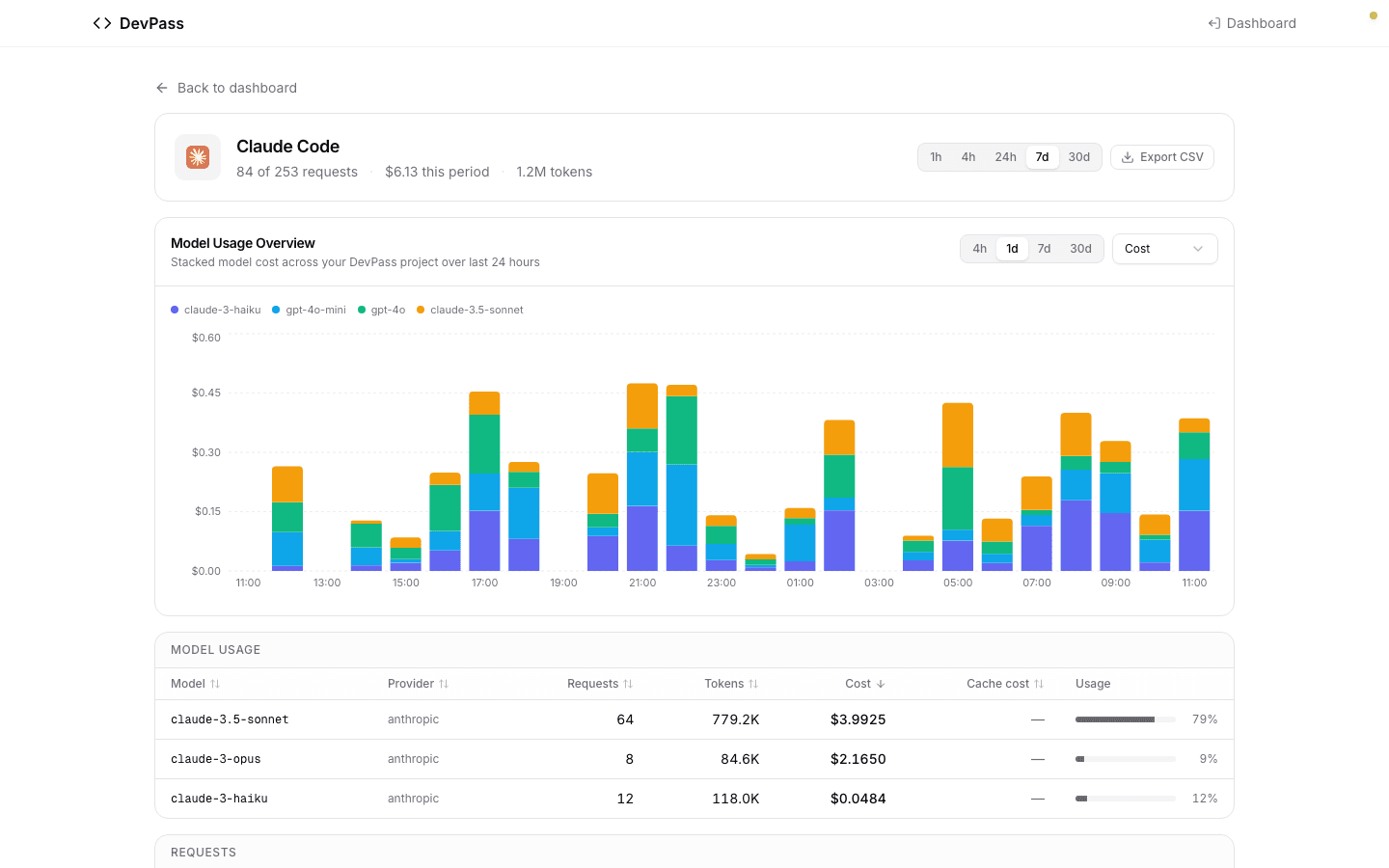
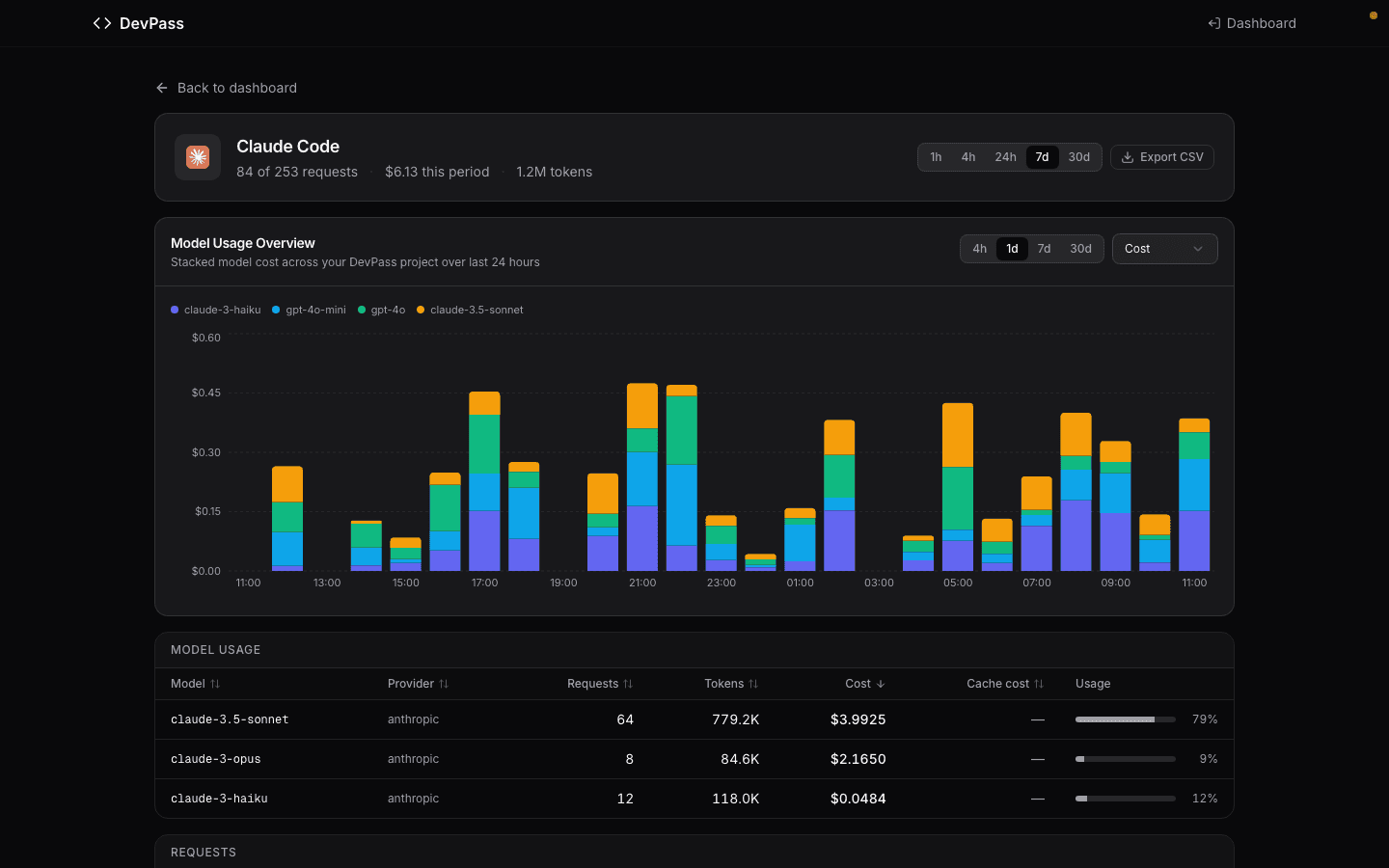
The header repeats the agent's totals for the selected period and holds the two controls for the page. Totals include the first and current hours; the beginning of each window is rounded down to the hour.
Historical source counts are repaired where complete request history is still retained. Counts from expired or partly pruned history stay unchanged because they cannot be reconstructed reliably.
The controls are:
- Time range — 1h, 4h, 24h, 7d or 30d (7d by default), stored in the URL so the view can be shared.
- Export CSV — downloads every request in the period, not just the rows currently loaded.
Below it are three blocks:
Model usage chart — spend over time, split by model.
Model usage table — one row per model with Provider, Requests, Tokens, Cost, Cache cost, and a share-of-tokens bar. Every column header sorts.
Requests — the individual calls, newest first, each showing the model used, cache status, token count and cost. More rows load as you scroll, or with Load more.
Related pages
- Model Categories & Fair Use — which models count against the premium allowance
- Agents Monitoring — the same breakdown for a regular gateway project, with sessions and BYOK filtering
How is this guide?